
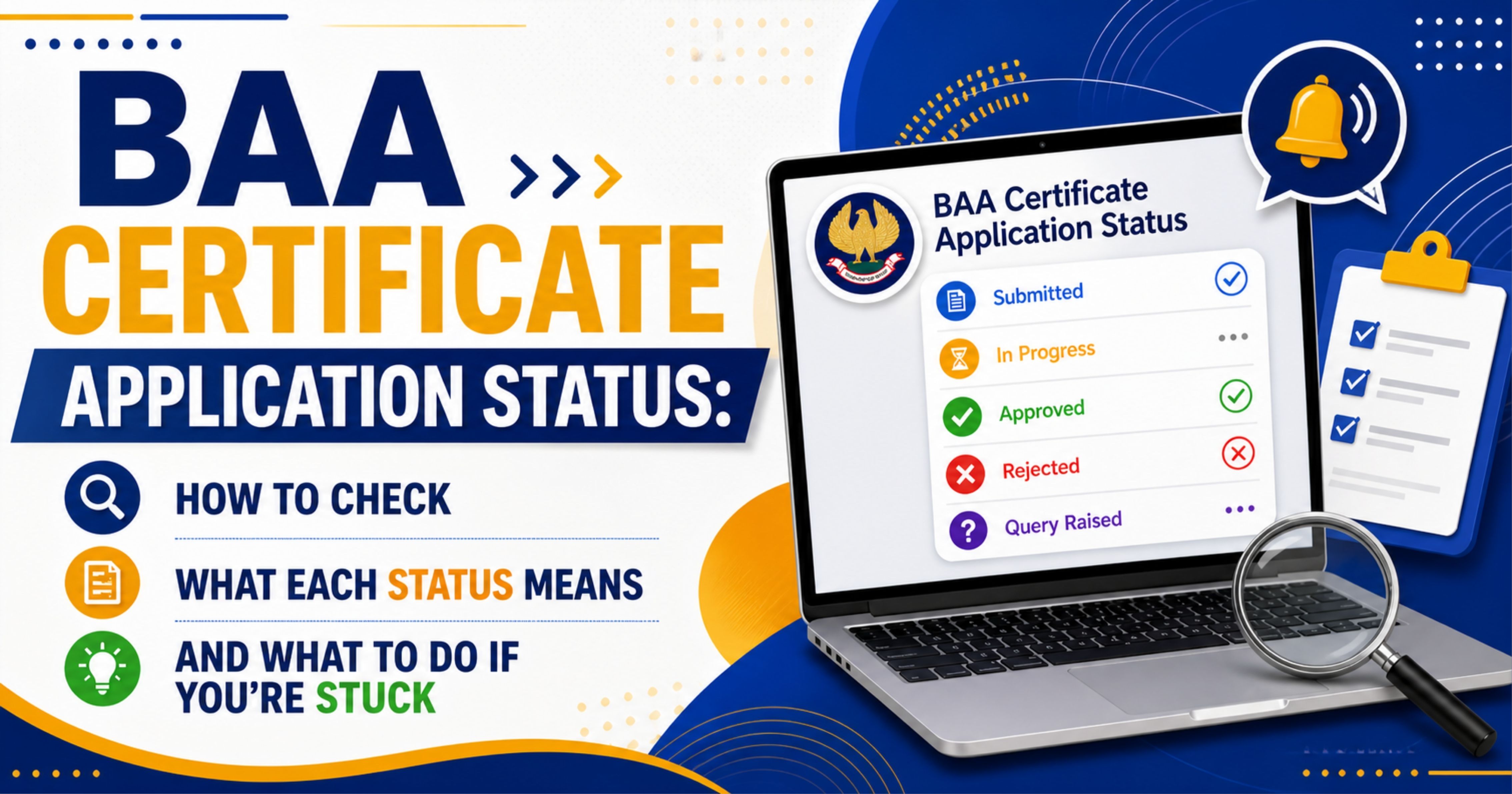

You've filled the BAA Certificate application on ICAI's Self Service Portal (SSP), paid the fee, and got an acknowledgement number. Now what? The most common follow-up question is also the simplest: how do I check the status, and how long should it take? This article covers exactly where to look on SSP, what each status label typically means, expected turnaround, how to download the certificate when it's issued, and what to do if your application gets stuck in verification.
Note up front: SSP's exact menu labels and status wording can change from time to time, and ICAI has not published a dedicated BAA-specific status workflow document. The labels and flow described here are based on the general SSP application-tracking pattern — the exact wording on your screen may differ. When in doubt, the SSP screen itself and any helpdesk message attached to your application are the authoritative source.
Where to Check Your BAA Application Status
Log in to ICAI's Self Service Portal (eservices.icai.org) using your student registration number and password. Once you're in, look for the section titled "My Applications", "Application Status", or "Certificates". The exact label depends on the current SSP build, but the destination is the same: a list of applications you have submitted, with a status against each.
Find the row corresponding to your BAA Certificate application. The reference number you saved when you submitted the form should match what's shown here. Click into the row to see the latest status and any messages from ICAI.
If you can't find your application in the list at all, two things to check first: confirm you actually completed the payment step (not just filled the form), and confirm you're logged into the same SSP account you used to apply.
What the Status Labels Generally Mean
ICAI has not published a BAA-specific status-label glossary, but SSP applications generally move through a small set of stages. The exact wording you see may differ — read the SSP screen as the authoritative source for your specific case. Broadly:
Submitted / Pending: Your form and fee have been received and the application is in the queue. No action needed from you at this stage.
Under Verification / In Process: ICAI is reviewing your eligibility against their internal records (Intermediate, articleship, ICITSS, SPOM). Verification time is not officially specified by ICAI; in practice it is the longest stage of the lifecycle.
Query Raised / Action Required: A verification step has flagged something that needs your input. The SSP message will describe what is needed. Respond through the same application screen rather than starting a new one — duplicate applications complicate refunds and don't speed up review.
Issued / Approved: Verification has cleared and the digital BAA Certificate is available for download on SSP.
Rejected: The application has been declined. The SSP message is the authoritative source for the specific reason in your case, and for any refund handling — ICAI's refund mechanics for BAA-specific rejections have not been published as a standalone policy.
How Long the Verification Takes
ICAI has not published a processing-time SLA for the BAA Certificate. Turnaround in practice depends on application volume at the time you apply — peak periods around exam-result months and ICITSS / SPOM batch completions are typically slower than off-peak weeks.
Because there is no published timeline, a generally reasonable approach is: if the application is sitting in "Under Verification" for noticeably longer than what other applicants on the same cycle are reporting, raising a polite SSP helpdesk ticket asking for a status update is appropriate. The aim is to confirm the application hasn't been blocked silently behind a missing record, not to escalate.
Downloading the Certificate Once Issued
When the status flips to Approved / Issued, the digital BAA Certificate becomes available on SSP. Open the application row and look for a "Download" or "View Certificate" button. Save the PDF to your local drive immediately; SSP downloads occasionally fail mid-stream, and having a local copy avoids re-downloading later.
The downloaded PDF is the official digital certificate. The digital version is generally usable directly for verification. The physical hardcopy, where dispatched, follows separately to your registered correspondence address — ICAI has not published a standard turnaround for the physical dispatch.
Before you forward the digital certificate to anyone, check three things on the PDF: your name spelling, your ICAI registration number, and the certificate issue date. Any error here is easier to fix immediately, by raising an SSP correction ticket, than it is six months later when the certificate is sitting in an employer's HR file.
Tracking the Physical Certificate Dispatch
If a physical hardcopy of the BAA Certificate is dispatched, ICAI has not published a public tracking workflow specific to BAA. Any tracking reference, if generated, would typically appear in the SSP application detail or in an automated email to your registered address — but neither is guaranteed for every certificate type.
If a long period has passed since the digital certificate was issued and no physical copy has arrived, raising an SSP ticket with the application reference number is a reasonable next step. The exact remedy in such cases — re-dispatch, address update, or other handling — is at ICAI's discretion under their internal process.
What to Do If the Application Is Stuck
"Stuck" usually means one of three things: a flagged eligibility line, a payment-versus-application mismatch, or a silent slow-moving queue.
Flagged eligibility: If a query message asks for proof of articleship, ICITSS, or SPOM, attach the relevant document through the SSP ticket. Filing a fresh application is generally not the right response — it creates a duplicate record and complicates refund handling. Clearance time after document submission depends on ICAI's internal verification queue, which is not publicly published.
Payment mismatch: If your bank shows the fee was debited but SSP doesn't show the application as "Submitted", wait 24 to 48 hours for the auto-reconciliation. If it still doesn't reflect, raise an SSP ticket with the bank transaction reference. Don't pay again — duplicate payments are refundable but the cycle is slow.
Silent queue: If a long period has passed with no status change and no query raised, a polite SSP helpdesk ticket asking for an update on the reference number is appropriate. Keep it factual and short — this is not an escalation, just a check-in.
Common Mistakes That Slow Things Down
Filing before Form 108 acceptance: Articleship completion is verified through Form 108 status in ICAI's record. If your principal has not yet filed Form 108, or it has not been accepted, the BAA application will sit in verification until Form 108 is closed. Confirm Form 108 status before applying.
Wrong correspondence address: If your SSP profile carries an old address, the physical certificate will be dispatched there. Update your address on SSP before applying, not after.
Re-applying instead of replying: When SSP raises a query, the right response is to reply to that query through the same ticket. Filing a fresh application will create a duplicate record and is not a faster path.
Ignoring SSP notification emails: Status changes and queries are typically announced both inside SSP and via email to your registered address. If you have your SSP-registered email going to a folder you don't check, you may miss a query for weeks.
If You Spot an Error on the Issued Certificate
If the issued certificate has an error — wrong name spelling, wrong registration number, wrong date format — the correct path is to raise a correction request through SSP, not to file a fresh application. ICAI's exact correction workflow for BAA-specific errors is not published as a standalone document; the SSP helpdesk ticket and any response from ICAI are the authoritative reference for your specific case.
Until the corrected certificate is issued, it is generally safer to wait before forwarding the certificate for any verification — an inconsistency between the certificate and your other ICAI records can create unnecessary back-and-forth with an employer.
Quick Reference
Where: SSP → My Applications / Certificates section (exact label may vary).
Typical lifecycle (labels can vary): Submitted → Under Verification → (optionally) Query Raised → Issued / Approved.
Time to wait before raising a status ticket: ICAI has not published a benchmark; use what other applicants on the same cycle are reporting as a rough guide.
Download: Save the digital PDF promptly when the status changes to Issued.
Physical copy: Where dispatched, follows separately to your SSP correspondence address; turnaround is not officially specified.
If stuck: Raise an SSP ticket on the same application; filing a fresh duplicate is generally not the right response.
Bottom Line
Checking BAA application status is straightforward once you know where to look on SSP and what each label means. Most of the wait time is normal verification, not a problem. Raise a ticket only after a real waiting window has passed, respond to queries on the same application instead of starting a new one, and download the digital PDF the moment it's issued. If a physical hardcopy is significantly delayed after issue, the SSP helpdesk is the right place to ask what next steps are available in your case.

Comments (0)
No comments yet. Be the first to comment!